Keep Google Analytics and Meta ads — without the patient data.
Tracking scripts like the Meta pixel and Google tag quietly hand an ad network the pages your patients read, their IP and their device — with no BAA covering any of it. See what your site is leaking below, then fix it with a single tag.
No credit card required · Works with any website platform · 5-minute setup

Compliance you can point to
The problem
Your website talks to ad networks behind your back.
If your site uses Google Analytics or runs Facebook ads, there's a small piece of code — a pixel — quietly reporting on every visitor. Not just how many people came, but who, and what they read:
the "HIV testing" page they visited their IP address their phone model their cookie ID
On a normal business site, that's just marketing. On a healthcare site, "this person read this health page" is patient information going to an ad network — a company that will never sign a BAA. Regulators, and plaintiffs' lawyers, noticed.
Regulated entities are not permitted to use tracking technologies in a manner that would result in impermissible disclosures of PHI to tracking technology vendors.— U.S. Department of Health & Human Services, Office for Civil Rights, Bulletin on Online Tracking Technologies
How it works
One tag on your site. A relay in the middle. Clean data out the other side.
Connect what you already use.
Sign in and connect your Google Analytics with one click — and your Meta pixel too, if you run Facebook or Instagram ads. No new dashboards to learn: your reports stay in the tools you already know. Run Microsoft Ads or other platforms through a tag manager? Connect your GTM server container and those keep working from clean data too.
Paste one line. That's the install.
Add the minusPHI tag before </head> on your site — WordPress,
Squarespace, Wix, Webflow, anything — and remove the old pixels. Phone clicks, booking
links and contact forms are detected as conversions automatically. There is nothing to
configure on a server, and no developer required.
<!-- your entire analytics stack, after minusPHI -->
<script src="https://app.minusphi.com/mphi.js"
        data-site-key="mphi_XXXXXXXXXX"
        data-ingest="https://ingest.minusphi.com/">
</script>
Watch it work
From ad click to clean analytics — with the patient removed in the middle.
your ad
The conversion and its ad-click ID survive — that's what campaigns optimize on. The person doesn't.
What we send
Deny by default. Every field that forwards is on an allow-list; everything else is stripped.
- Page views & traffic sources to your GA4 (public marketing pages only)
- Page views to Meta as domain-only — never which page was visited
- Conversions: leads, booking clicks, phone clicks — the signal ad delivery needs
- Ad-click IDs (gclid / fbclid / msclkid) on conversions, so campaigns keep attributing
- A random first-party ID so sessions count correctly — never tied to a person
- IP addresses, device fingerprints, third-party cookies
- Names, emails, phone numbers — hashed or not
- Page URLs to Meta, form contents, anything typed by a visitor
- Anything from patient portals, intake, scheduling or confirmation pages
- Health-condition terms — pages mentioning them are suppressed entirely
Even the map on your site is an informant
A HIPAA-compliant map that shows your office — without telling Google or Apple who looked.
Same map. Same directions.
No third party watching.
A standard map embed sends each visitor's IP address — plus your practice's location — straight to Google or Apple's servers the moment the page loads, with no BAA behind it. minusPHI now draws that map itself, from our own U.S. servers: patients pan, zoom, find your nearest office and tap for directions, and no map company ever learns who looked.
- Every office on one map, with phone, hours and accessibility
- "Nearest office" computed on the visitor's phone — never transmitted
- One line of HTML — the tag you already installed does the rest
Built for healthcare
Whatever you practice, the pixel problem is the same — and so is the fix.
Med spas
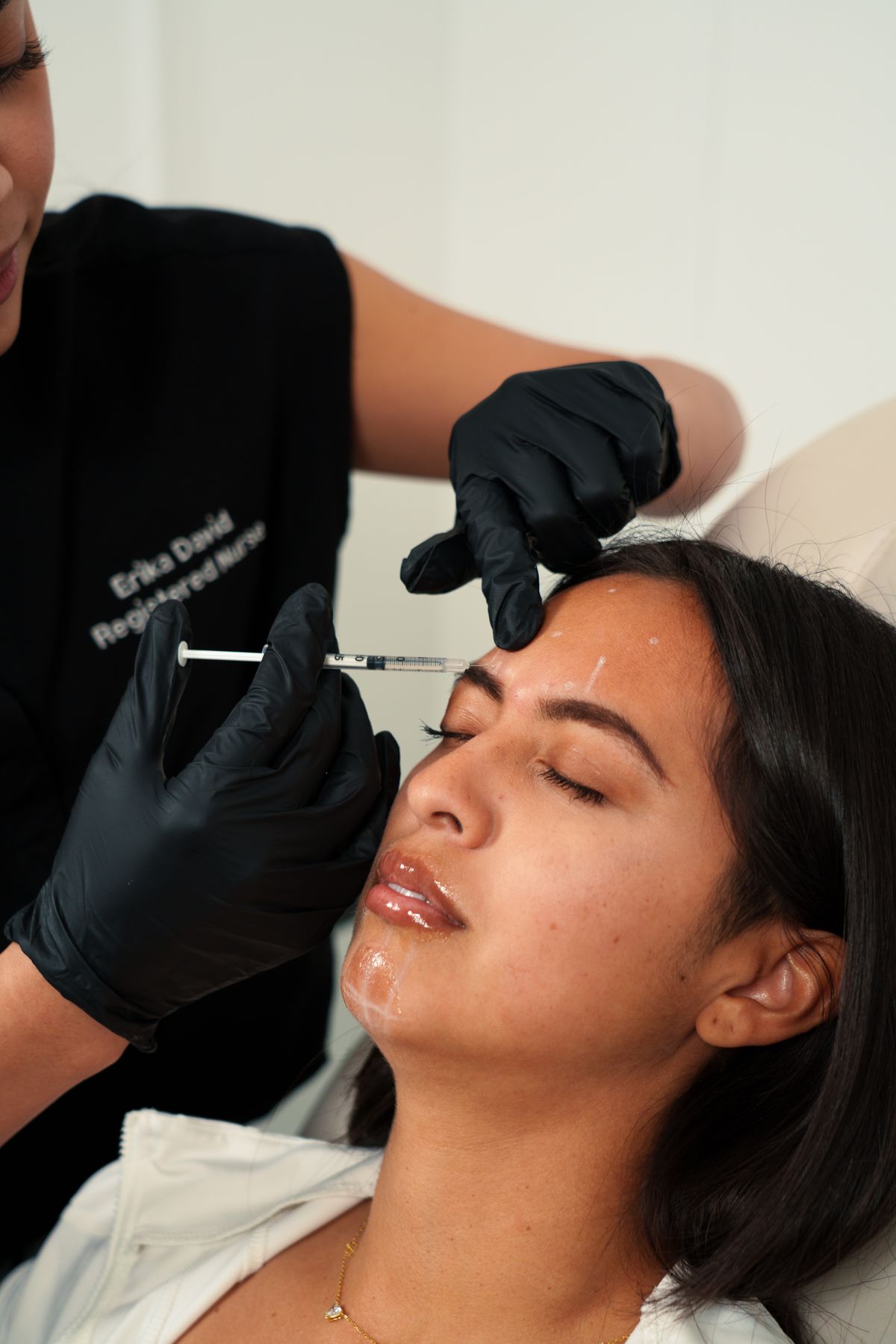
Instagram and Google ads that fill your consult calendar — while every client's browsing stays off the ad networks.
Learn moreDental clinics & DSOs

Implant, ortho and Invisalign campaigns keep converting — with no patient tied to the treatment they searched for.
Learn moreMental health practices

The most sensitive browsing on the internet — therapy, diagnoses, medication pages — never reaches Meta or Google.
Learn morePrimary care

Whole-family visits and portal logins stay private, while your new-patient ads keep attributing every booking.
Learn moreDermatology

Condition and cosmetic pages tell a story about the visitor. With minusPHI, that story stays with you.
Learn moreUrgent care

Run high-volume, always-on marketing without symptom searches leaking to an ad platform.
Learn morePhysical therapy & chiro

Injury pages, intake forms and booking clicks are de-identified before anything leaves your site.
Learn moreTelehealth & digital health

Scale acquisition like a venture-backed startup — without leaking patient data like one.
Learn moreNew to all this?
Most practices have no idea their website does this.
You didn't install a "tracking pixel" — your web designer did, years ago, because every website gets one. Nobody told you what it sends. We wrote a plain-English explainer for practice owners and managers: what a pixel is, what it tells Facebook about your patients, and what regulators expect you to do about it. No jargon, ten-minute read.

Questions
The honest answers.
Will my Meta ads still optimize without the pixel?
Yes — for what matters. Lead and appointment campaigns optimize on conversion events, which minusPHI delivers server-side with the ad-click ID attached, so attribution keeps working. What you give up is visitor retargeting, because that inherently requires handing Meta the browsing data this product exists to protect. Any vendor promising both is fudging one of them.
Do Google or Meta sign a BAA for this?
No — and with minusPHI they don't need to. A BAA is required when a vendor receives protected health information. The relay's job is to make sure they never do: events are de-identified before either company sees anything, and sensitive pages are suppressed entirely.
What happens on sensitive pages, like a patient portal?
Nothing is sent at all. Portals, intake forms, scheduling flows, confirmation pages, and any URL carrying a health-condition term are suppressed before forwarding — not scrubbed, simply never sent. You'll see marketing traffic in your analytics; nobody sees care activity.
Does it work with my website platform?
If you can paste one script tag — WordPress, Squarespace, Wix, Webflow, custom — it works. There's nothing to install server-side and no developer required. Conversions like phone clicks, Calendly/Zocdoc bookings and contact forms are detected automatically.
Is this legal advice or a compliance guarantee?
No. minusPHI is engineering: it controls exactly what data leaves your site, using allow-lists and de-identification aligned with HIPAA Safe Harbor. Your compliance program is still yours — we just make the tracking-pixel part of it defensible instead of dangerous.
Your ads keep learning. Your patients stay private.
Start free — connect in 5 minutesNo credit card required · 5-minute setup